
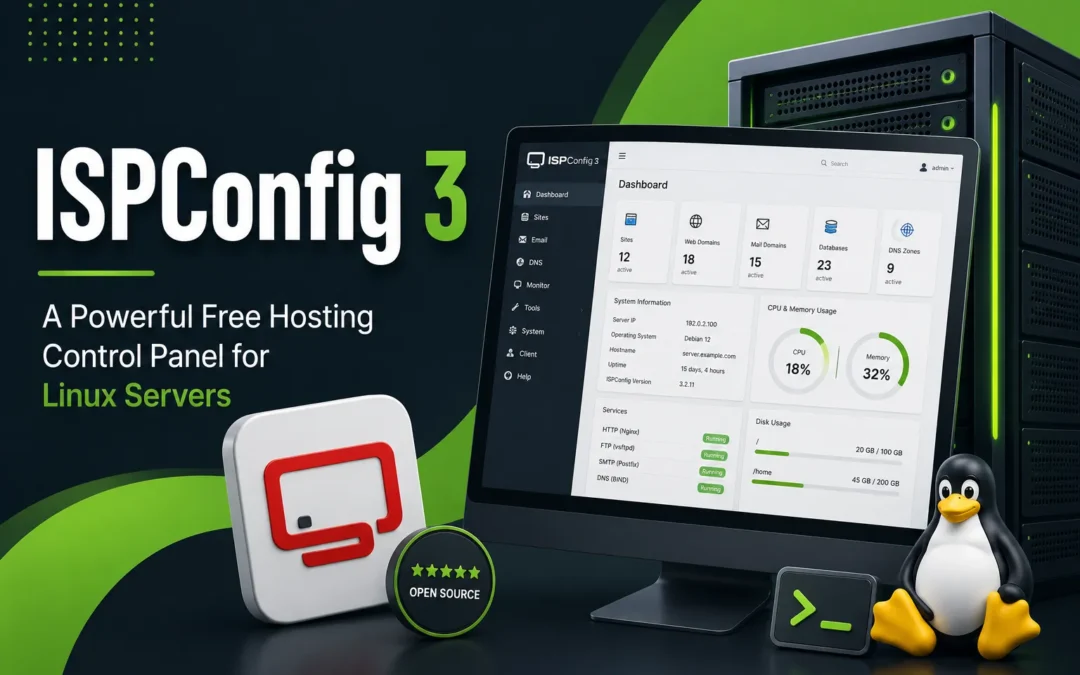
Managing websites, email accounts, databases, DNS zones, and server services can quickly become complicated without the right tools. Fortunately, Linux server administrators have access to several powerful control panels that simplify server management. One of the most popular open-source options available today is ISPConfig 3.
ISPConfig 3 is a free web hosting control panel designed for Linux servers. It allows administrators, resellers, and clients to manage websites, email accounts, FTP users, databases, DNS records, and more through an easy-to-use web interface. Whether you’re running a single website or managing multiple servers, ISPConfig provides a robust set of tools without the licensing costs associated with many commercial alternatives.
In this guide, we’ll explore what ISPConfig 3 is, its features, advantages, and why it remains a popular choice among hosting providers and system administrators.
What Is ISPConfig 3?
ISPConfig 3 is an open-source hosting control panel that allows administrators to manage Linux servers through a browser-based interface. It supports multiple Linux distributions and works with popular web servers such as Apache and Nginx.
The platform is designed to simplify common hosting management tasks while providing advanced features for experienced administrators. Instead of manually editing configuration files through the command line, users can manage hosting services through a centralized dashboard.
ISPConfig supports single-server and multi-server environments, making it suitable for small businesses, web hosting companies, developers, and enterprise deployments.
Key Features of ISPConfig 3
One of the reasons ISPConfig remains popular is its extensive feature set. The control panel provides tools for managing nearly every aspect of a hosting environment.
Website Management
ISPConfig allows administrators to create and manage websites with ease. Users can add domains, configure virtual hosts, manage SSL certificates, and control web server settings directly from the control panel.
Supported web servers include:
Email Hosting
Email management is one of ISPConfig’s strongest features. Administrators can create mailboxes, aliases, forwarding rules, autoresponders, mailing lists, and spam filtering policies.
Email-related features include:
- POP3 and IMAP support
- SMTP services
- Spam filtering
- Virus scanning
- Email forwarding
- Autoresponders
- Mail quotas
For businesses hosting their own email infrastructure, ISPConfig provides extensive control over email services.
DNS Management
Managing DNS records manually can be time-consuming. ISPConfig simplifies DNS administration through an intuitive interface.
Supported DNS record types include:
- A Records
- AAAA Records
- CNAME Records
- MX Records
- TXT Records
- SPF Records
- DKIM Records
This functionality makes ISPConfig useful for administrators managing multiple domains.
Database Administration
ISPConfig supports MySQL and MariaDB database management. Users can create databases, assign users, manage permissions, and integrate with phpMyAdmin for advanced database administration.
Database support is essential for content management systems such as WordPress, Joomla, Drupal, and many custom web applications.
FTP User Management
Administrators can create and manage FTP accounts directly from the control panel. This allows website owners and developers to upload website files without requiring shell access.
FTP permissions can be configured independently for improved security and access control.
Multi-Server Support
One of ISPConfig’s most powerful features is its ability to manage multiple servers from a single control panel.
In a multi-server environment, administrators can separate services across dedicated servers. For example:
- Web server
- Email server
- Database server
- DNS server
ISPConfig can manage all of these systems through one centralized interface, simplifying administration and improving scalability.
User Roles and Access Levels
ISPConfig supports multiple user roles, making it ideal for hosting providers and organizations that need delegated administration.
Common user roles include:
- Administrator
- Reseller
- Client
- Email User
This role-based structure allows different users to access only the resources they are authorized to manage.
SSL Certificate Management
Website security is critical for modern hosting environments. ISPConfig supports SSL certificate management and integrates with Let’s Encrypt to automate certificate deployment and renewal.
Benefits include:
- HTTPS encryption
- Improved website security
- Better search engine rankings
- Increased visitor trust
Automatic SSL provisioning saves time while ensuring websites remain protected.
Supported Linux Distributions
ISPConfig supports several popular Linux operating systems, including:
- Debian
- Ubuntu
- Rocky Linux
- AlmaLinux
- CentOS (older deployments)
This flexibility allows administrators to choose the operating system that best fits their infrastructure requirements.
Advantages of ISPConfig 3
There are several reasons why ISPConfig continues to be a popular control panel solution.
No Licensing Fees
Unlike many commercial hosting control panels, ISPConfig is completely free and open source. Organizations can deploy it without recurring licensing costs.
Open Source Flexibility
Because ISPConfig is open source, administrators have greater control over customization and integration options.
Multi-Server Management
Many free control panels focus primarily on single-server deployments. ISPConfig’s multi-server capabilities make it attractive for growing businesses and hosting providers.
Wide Feature Set
Website hosting, email management, databases, DNS, FTP, SSL certificates, and user management are all included within a single interface.
ISPConfig vs cPanel
One common comparison is ISPConfig versus cPanel.
cPanel remains one of the most widely used commercial hosting control panels, but licensing costs have increased significantly in recent years. As a result, many organizations have explored alternatives such as ISPConfig.
While cPanel offers a polished interface and extensive third-party integrations, ISPConfig provides many similar core features without recurring licensing fees.
For organizations comfortable with Linux administration, ISPConfig can be a highly cost-effective solution.
Security Features
Security should always be a priority when managing internet-facing servers.
ISPConfig includes several security-focused features:
- Role-based access control
- SSL certificate support
- Email spam filtering
- Virus scanning integration
- Secure FTP management
- User isolation
Administrators should also implement additional security measures such as firewalls, regular updates, strong passwords, and Web Application Firewalls (WAFs).
Who Should Use ISPConfig?
ISPConfig is an excellent choice for:
- Web hosting providers
- Linux server administrators
- Developers
- Managed hosting companies
- Small businesses
- Agencies managing multiple websites
Its flexibility and feature set make it suitable for both simple hosting environments and more advanced multi-server deployments.
Additional Resources
If you’re interested in Linux hosting and server administration, you may also find these guides useful:
- Linux Hosting vs Windows Hosting
- Linux Server Basic Commands
- When to Upgrade to VPS Hosting
- VPS Performance Optimization That Works
- Guide to Website Uptime Monitoring
Conclusion
ISPConfig 3 is one of the most capable open-source hosting control panels available today. With support for websites, email hosting, databases, DNS management, FTP accounts, SSL certificates, and multi-server environments, it offers an impressive set of features without licensing costs.
Whether you’re managing a single VPS or operating a multi-server hosting infrastructure, ISPConfig provides a powerful and flexible solution for Linux server administration. Its combination of functionality, scalability, and open-source freedom continues to make it a popular choice among hosting providers and system administrators worldwide.