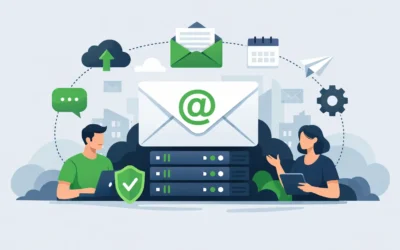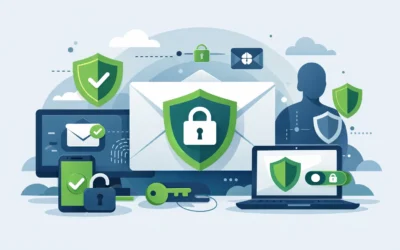
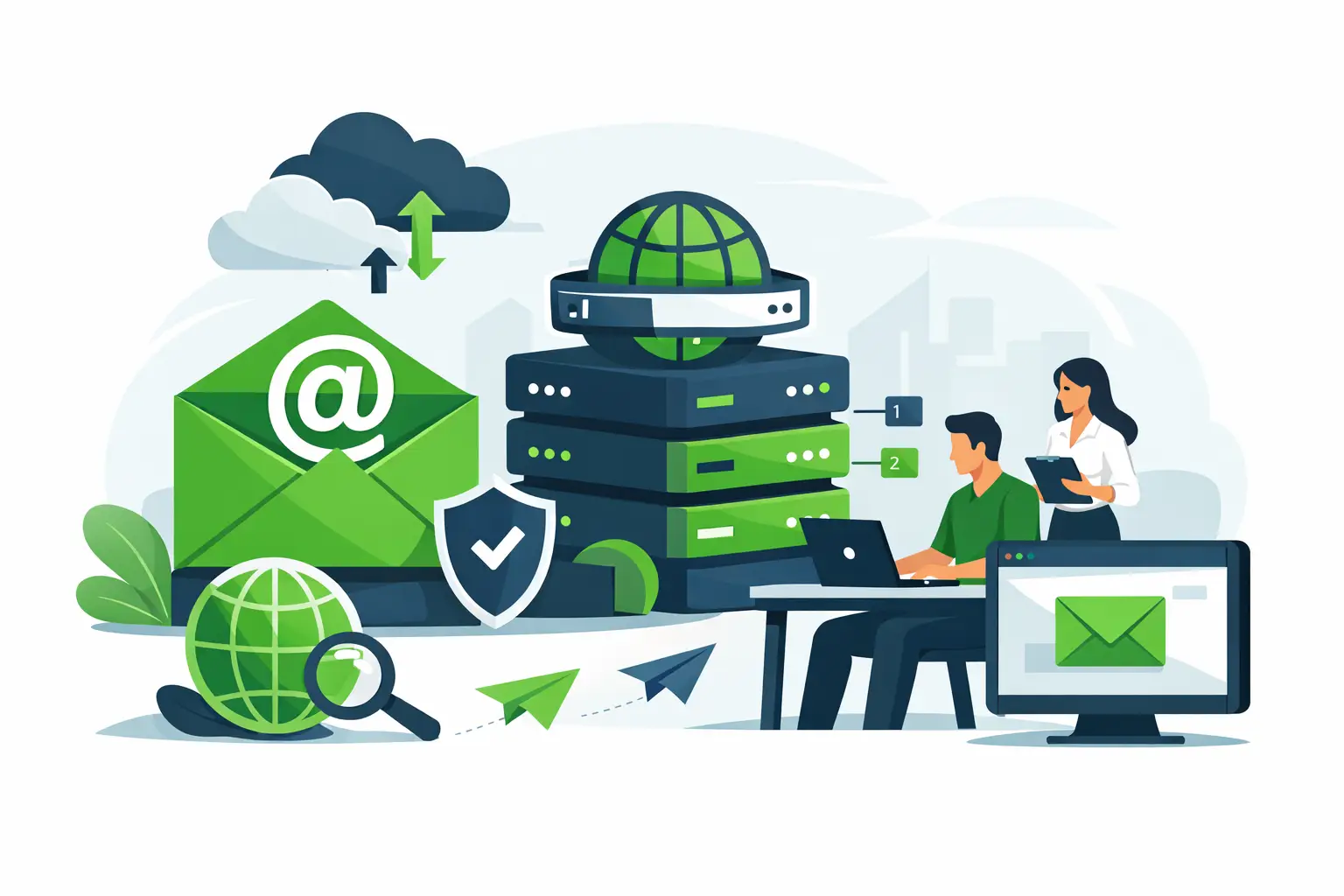
A Gmail address might work when you’re testing an idea. It starts to look limiting the moment you send proposals, invoices, or support replies from a public mailbox. Business email hosting with domain gives you branded addresses like you@yourcompany.com, but the real value goes beyond appearance. It affects trust, deliverability, account security, and how well your team communicates as you grow.
For small businesses, startups, agencies, and online stores, email is still one of the most critical operating tools. Customers use it to ask questions, approve work, send purchase orders, and request support. If your email setup is unreliable, hard to manage, or tied to a personal inbox, that problem shows up in daily operations fast.
What business email hosting with domain actually means
At a basic level, this service connects email to a domain you own. Instead of using a generic address from a free provider, your business sends and receives mail on addresses built around your brand. That includes individual inboxes, role-based accounts like support@ or sales@, and often shared tools such as calendars, contacts, spam protection, and webmail access.
The hosting side matters because email has to live somewhere. A provider maintains the mail servers, storage, routing, filtering, and account controls behind the scenes. Your domain points to those services through DNS records, which tell the internet where your mail should go and which servers are allowed to send on your behalf.
That distinction is useful because owning a domain is not the same as having business email. Many businesses register a domain name and assume email is automatically included. Sometimes it is. Sometimes it is a separate service. What matters is whether you have a managed email platform that is configured correctly and supported when something breaks.
Why custom-domain email matters for business
The first benefit is credibility. A branded email address looks established because it is. It tells customers they are communicating with a real business rather than a side project running from a personal account.
The second benefit is consistency. When every department uses the same domain, your communication looks organized. That matters for customer-facing teams, but it also matters internally. New employees can be onboarded quickly, aliases can be added as roles change, and shared addresses can continue even when staff members leave.
The third benefit is control. If your company relies on personal inboxes, business data ends up scattered across accounts you do not fully manage. With hosted business email, account creation, password resets, forwarding rules, storage limits, and access policies can all be handled from one place.
Then there is deliverability. Many businesses only think about this after emails start landing in spam folders. A proper domain-based email setup allows you to configure authentication records like SPF, DKIM, and DMARC, which help receiving servers verify that your messages are legitimate. That reduces spoofing risk and improves the chances that important emails reach the inbox.
The features worth paying attention to
Storage is the obvious starting point, but it should not be the only one. Some businesses need only a few gigabytes per user. Others keep years of project threads, contracts, or customer history and need much more. The right answer depends on how your team works and whether older mail is archived elsewhere.
Spam and malware filtering are just as important. A cheap email plan with weak filtering can cost more in wasted time and risk than it saves in monthly fees. Good filtering helps block phishing attempts, infected attachments, and obvious junk before users have to deal with them.
Reliability matters every day, even when you do not notice it. Look for a provider that treats email as business infrastructure, not an afterthought. Uptime, redundant systems, and responsive support all matter because email issues create immediate operational problems.
Access flexibility also matters more than many buyers expect. Most teams want webmail, mobile sync, and desktop compatibility. If your staff uses Outlook, Apple Mail, or phone-based mail apps, setup should be straightforward. If your provider only works well through one interface, that can become frustrating quickly.
Administration tools make a difference as your business grows. A single inbox is easy to manage. Ten users, multiple departments, aliases, forwarding rules, and shared mailboxes are not. A business-ready platform should let you add, remove, and manage accounts without unnecessary complexity.
Business email hosting with domain and web hosting are related, but not identical
This is where many small businesses get confused. Your website hosting and your email hosting can come from the same provider, but they do not have to. Some shared hosting plans include email. Some businesses choose a separate email platform while hosting the website elsewhere.
There is no universal right answer. Keeping everything with one provider is often simpler. Billing is cleaner, support is easier to contact, and DNS changes are generally easier to manage. For a small team that wants one dependable partner for domains, hosting, and email, that convenience is valuable.
On the other hand, some organizations separate services for scale, compliance, or feature preferences. If you have heavy collaboration needs, strict retention requirements, or an existing software stack, you may want a more specialized setup. The trade-off is complexity. More vendors usually mean more moving parts to troubleshoot.
How to choose the right setup
Start with the size of your team and the way you communicate. A solo consultant has different needs than an ecommerce business with customer service agents, order notifications, and shared departmental inboxes. Think beyond today. If you expect to hire, add role-based addresses, or centralize support, choose a platform that can grow with you.
Next, look closely at security. At a minimum, you want spam filtering, malware scanning, and support for email authentication records. Two-factor authentication is also worth prioritizing, especially for admin users and anyone with access to financial or client-sensitive messages.
After that, consider support. Email issues are urgent by nature. If your staff cannot send quotes or customers are not receiving responses, waiting days for help is not realistic. Responsive support has real business value, particularly for smaller organizations without in-house IT.
Migration should also be part of the decision. Moving from a personal inbox, another host, or an older mail server can be simple or messy depending on the provider. Ask what is included, what gets migrated, and how downtime is handled. A provider that supports the full transition can save a lot of frustration.
Finally, think about the broader infrastructure picture. If your website, SSL, backups, security tools, and hosting environment already live in one ecosystem, adding email there may simplify management. That is often a practical choice for businesses that want fewer vendors and a clear support path.
Common mistakes to avoid
The biggest mistake is treating email like a side feature instead of a business system. If it is mission-critical, choose accordingly. Free or bare-bones options may look appealing until reliability or support becomes a problem.
Another mistake is skipping DNS and authentication setup. A custom domain email address is only part of the job. If SPF, DKIM, and DMARC are not configured properly, your domain can be easier to spoof and your deliverability can suffer.
Many teams also create shared access the wrong way by passing around one password for a role account. That may work temporarily, but it creates security and accountability problems. Shared mailboxes, aliases, and delegated access are usually the better approach.
And do not ignore future needs. Businesses often choose the cheapest option based on one or two users, then outgrow it within months. It is better to choose an email platform that fits where your business is headed, not just where it is today.
When bundled business email makes sense
If you are launching a new site, registering a new domain, or consolidating services, bundled business email can be the simplest path. One provider can handle the domain, DNS, website hosting, SSL, and mail setup together. That reduces setup friction and makes support more straightforward when you need help.
For many small businesses, that kind of simplicity is a strength, not a compromise. Charter Hosting serves businesses that want dependable infrastructure without having to piece together every service from different vendors. When email is part of a larger hosting strategy, the setup tends to be easier to manage over time.
Business email should make your company look credible, help your team stay organized, and protect communication that keeps revenue moving. If your current setup feels improvised, that is usually a sign it is time to move to a domain-based email platform built for real business use. The right choice is not the one with the most features on paper. It is the one that stays fast, reliable, secure, and easy to manage when your business is busy.